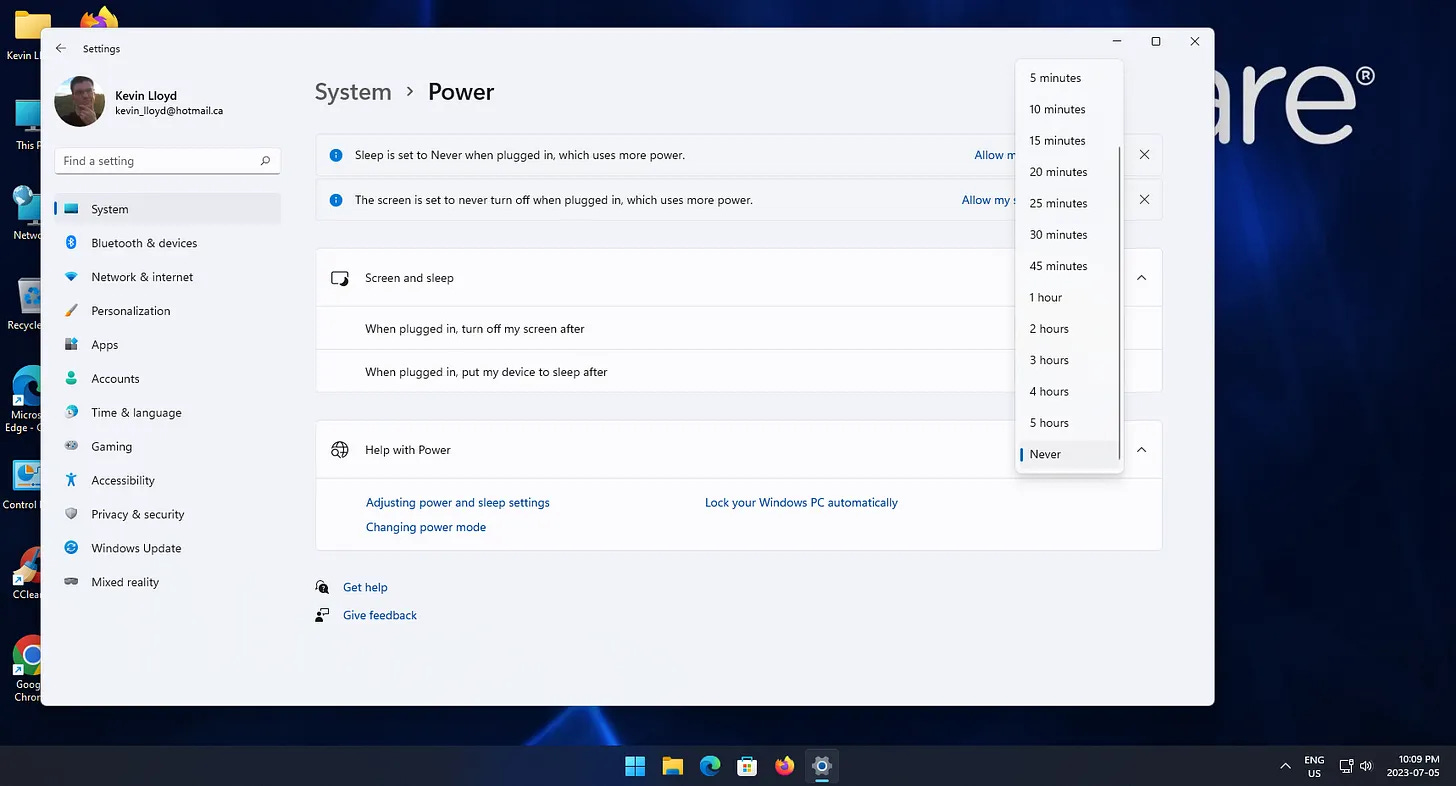
How To Change Sleep and Hibernation Settings in Windows 11 [Paid Subs]
Sleep and hibernation can pause or interrupt system cleanups and tune-ups, often without warning. For best results, it’s a good idea to temporarily disable them during these tasks.
If you’ve ever started a system cleanup, a long Windows update, a backup, or a remote support session only to come back and discover your computer quietly went to sleep halfway through, you already know how frustrating that can be.
By default, Windows 11 is designed to save power by turning off your screen and putting your computer to sleep after a perio…
Keep reading with a 7-day free trial
Subscribe to Kevin The Tech Guy to keep reading this post and get 7 days of free access to the full post archives.


