

The use and strongly recommend the programs below. I have included download links for each program. That said, the easiest way to download install them is by using PatchMyPC, which is my first pick.
Some of these picks are free, some are not.
Thank you for being a paid subscriber. Your support very much makes my work possible.
NOTE: All download links open in new tab, and some are affiliate links for added benefits for customers and myself.

PatchMyPC
With our computers now constantly connected to the Internet, any vulnerability in any program could potentially be used to access our computers. However, most of the time, it's unlikely and targeted. That said, keeping programs up to date better ensures our computers remain reliable and secure.
My go-to is PatchMyPC, a FREE (home use) all-in-one installer for hundreds of the most commonly used programs. It will automatically detect which programs on your computer need to be updated in its database with one click.
See my blog post about PatchMyPC.
Windows Defender
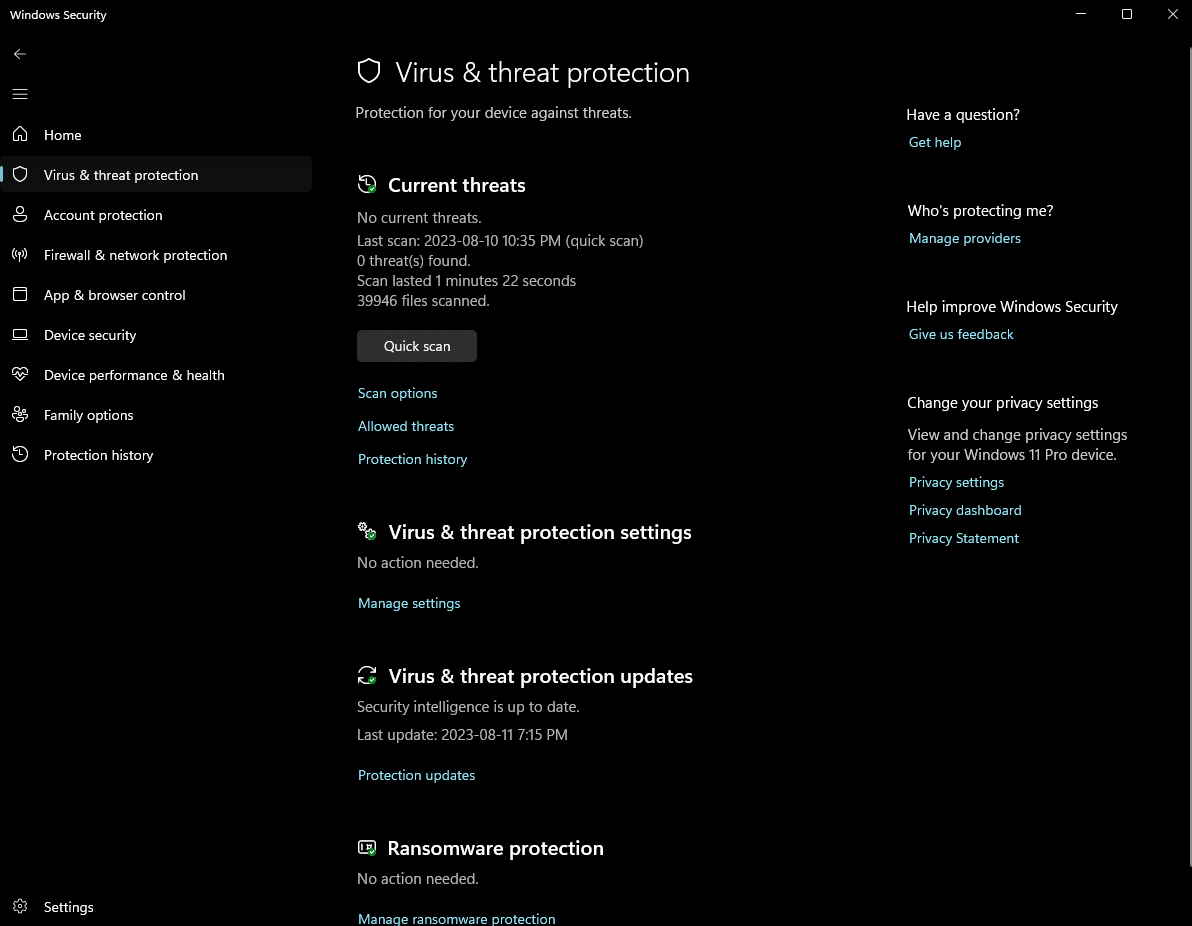
The best free antivirus on the market is already built into Windows 10 and Windows 11. You DO NOT need to download it separately.
For the most part, I DO NOT recommend third-party paid antivirus solutions. The sole exception in my view being ESET Antivirus. Microsoft Defender offers real-time protection against viruses, malware, and other threats.
It runs quietly in the background, provides automatic updates, and integrates seamlessly with Windows Security to keep your system safe without extra hassle.
Mozilla Firefox
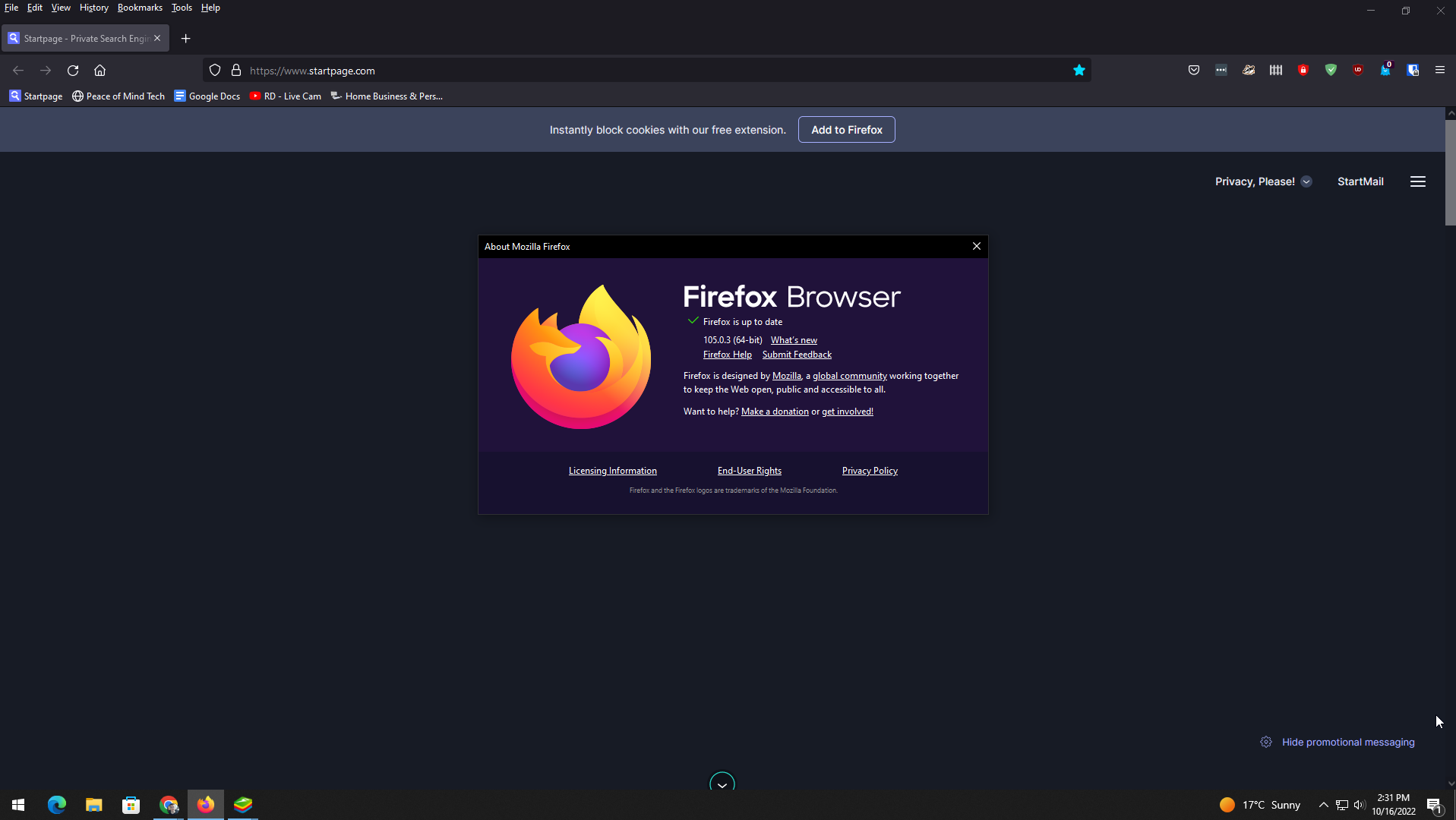
Firefox is one of the most popular browsers and has been around for a very long time. It’s constantly updated to keep it secure, improve it, and add features. There are also many add-ons (plugins) to add additional features, including ad and tracking protection.
Price: Free
CCleaner
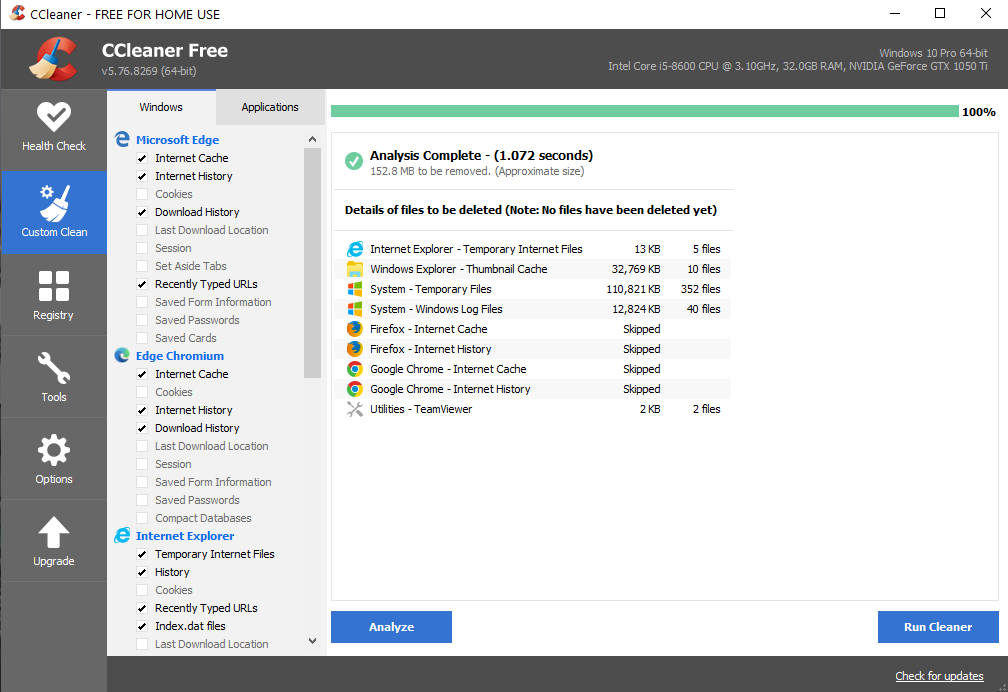
CCleaner has been around for a very long time. It allows you to simply remove junk files that have accumulated over time as you surf the Internet and download web pages and cookies. Those files add up to a lot of space over time.
Price: Free
VLC Media Player
VLC is a FREE media player from VideoLAN. It’s a lightweight and very functional alternative to programs like the Windows Media Player built in to Windows. VLC will also play any kind of media file you can throw at it.
Price: Free
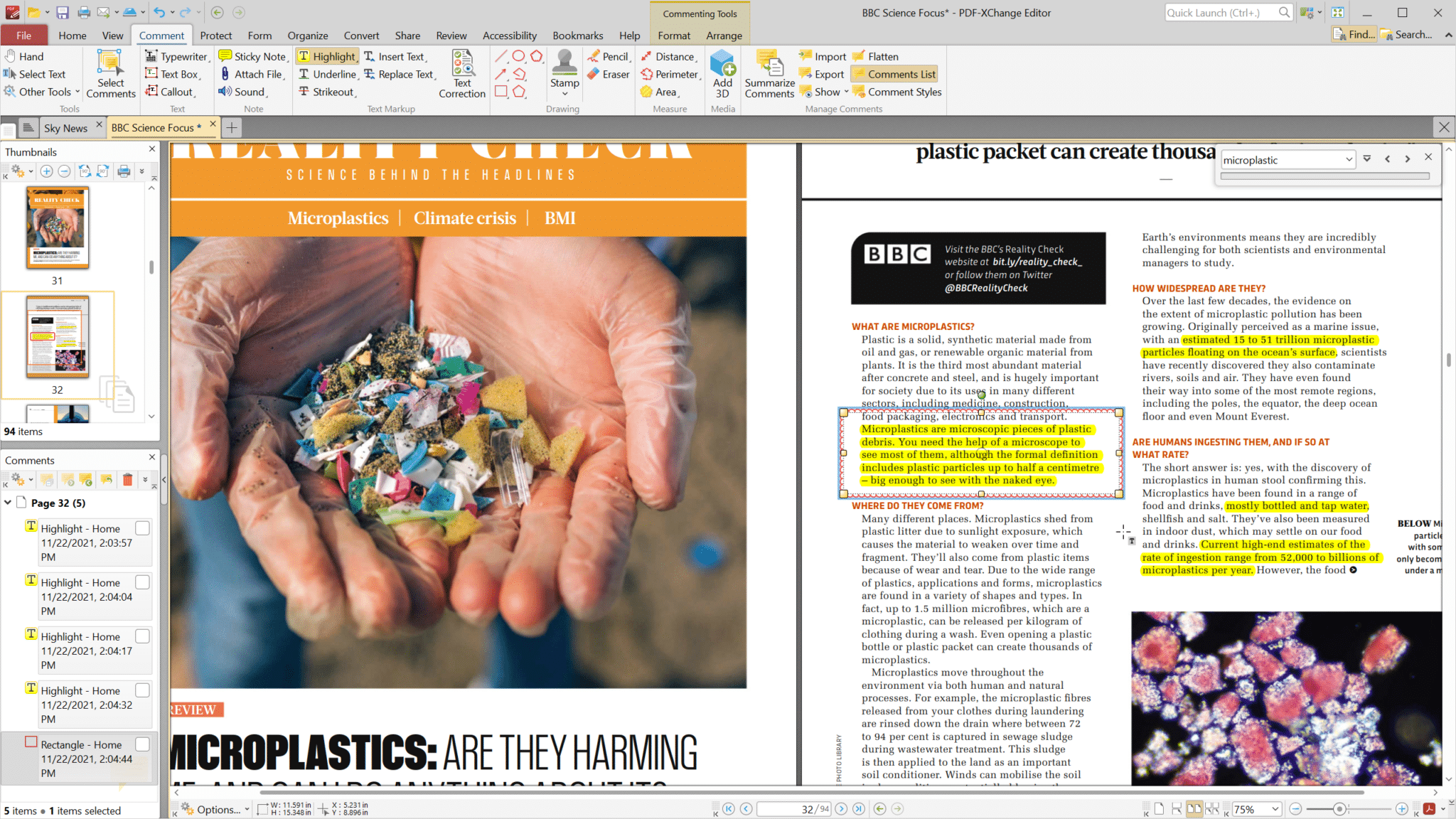
PDF X-Change Editor
PDF-XChange Editor is a feature-packed PDF viewer and editor that lets you create, view, edit, and annotate PDF files. It’s fast, lightweight, and includes tools for adding comments, filling forms, and even performing OCR on scanned documents, making it a versatile choice for managing PDFs.
Price: Free
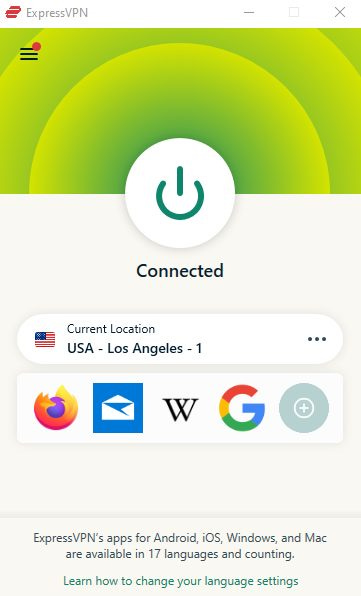
ExpressVPN
ExpressVPN is a Virtual Private Network service. It allows you to appear as though your computer is located in a number of different cities worldwide. This can be useful to access services only available in certain countries. It’s also crucial to accessing the internet while traveling, as not all internet connections and Wi-Fi networks are secure, and traffic could be monitored.
Here's my blog post about ExpressVPN.
Price: $100 per year. Per month and 6 month plans available.
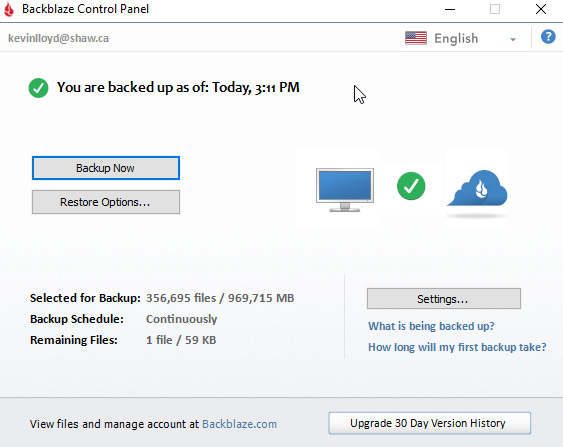
Backblaze
Backblaze is a cloud backup service that is comparable to Carbonite, iDrive, and others. It automatically backs up your data to your cloud account, so you don’t have to think about it, though it’s good to double check once in a while. It can take up to a few weeks for the initial backup to trickle up, but after that only changes are backed up. I’ve used a few of these services over the years, and I’m happiest with Backblaze.
See my blog post (paid subscribers post) about Backblaze.
Price: $60 per year.
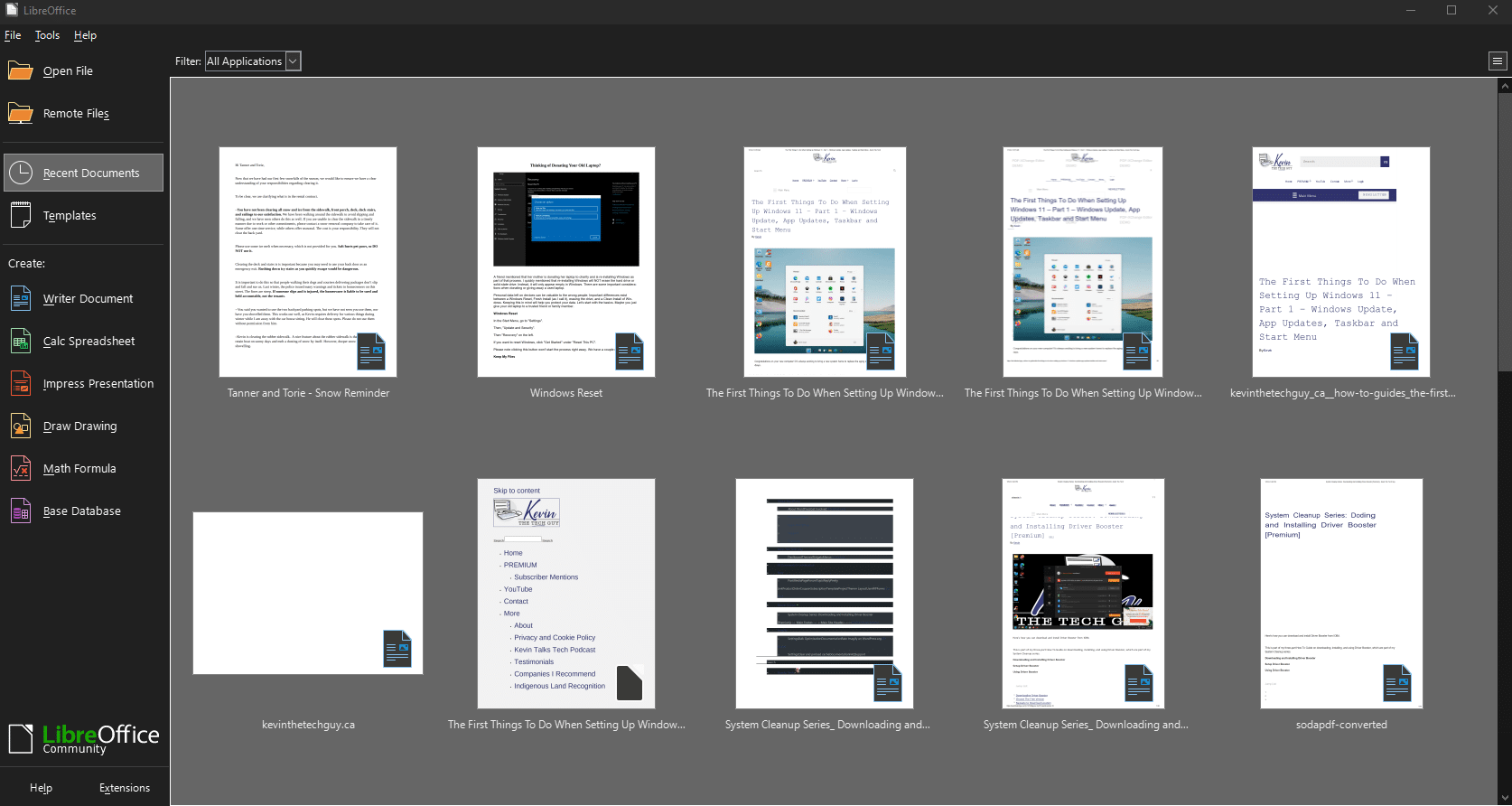
LibreOffice is a free, open-source office suite alternative to Microsoft Office that includes tools for word processing, spreadsheets, presentations, and more. It’s compatible with most file formats, making it a great alternative to paid software for creating and editing documents, all with a user-friendly interface. 90% of people use 10% of the features of Microsoft Office. Trust me, you won't miss it.
See my blog post about Libre Office.
Price: Free
Open Shell
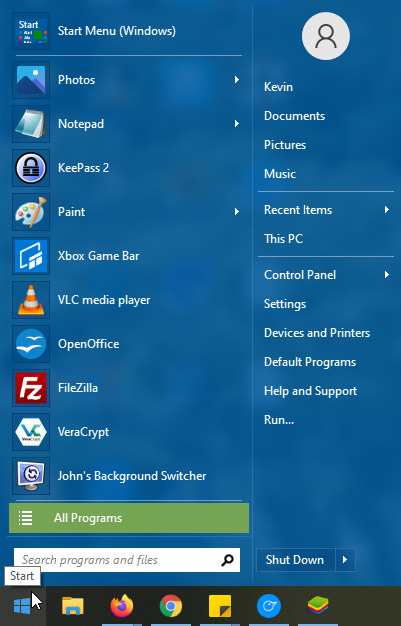
Open Shell is a Windows 8.1/10 Start Menu replacement that looks more similar to the beloved Start Menu in Windows 7. It literally made Windows 8.1 usable, and clients love using it in Windows 10 as well! It avoids the need to use the “tiled” interface, but the newer original Start Menus can still be accessed easily. Open Shell used to be called Classic Shell when it had a different developer.
Here's my blog post about Open Shell.
Price: FREE
Advanced SystemCare
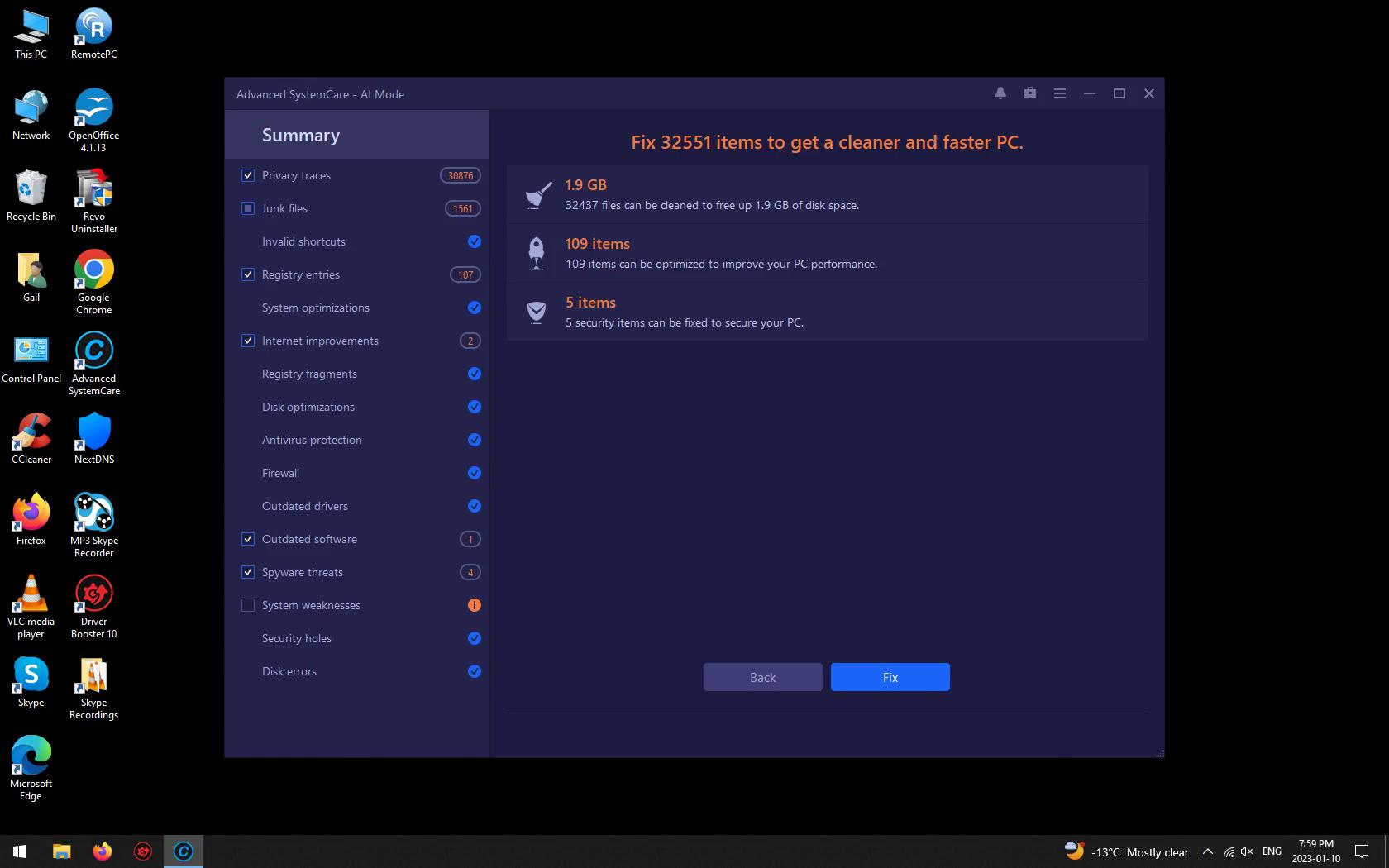
Advanced SystemCare is an all-in-one PC optimization tool designed to clean up junk files, improve system performance, and protect your privacy. It features tools for speeding up your computer, repairing common issues, and enhancing security, all with an easy-to-use interface.
The FREE version does nag you to upgrade with upsell messages, but the program itself is perfectly usable. I strongly recommend the Pro version, often on sale for the first year.
Final Thoughts
Thanks again for supporting my work. I put this list together based on what I actually use and recommend to friends, family, and clients. Whether you're looking to speed things up, stay protected, or avoid the usual tech headaches, these tools cover the essentials. If you’ve got questions about any of them, or if you're wondering which ones are worth installing first, just reply to this post. But please note that I DO NOT provide tech support via email.