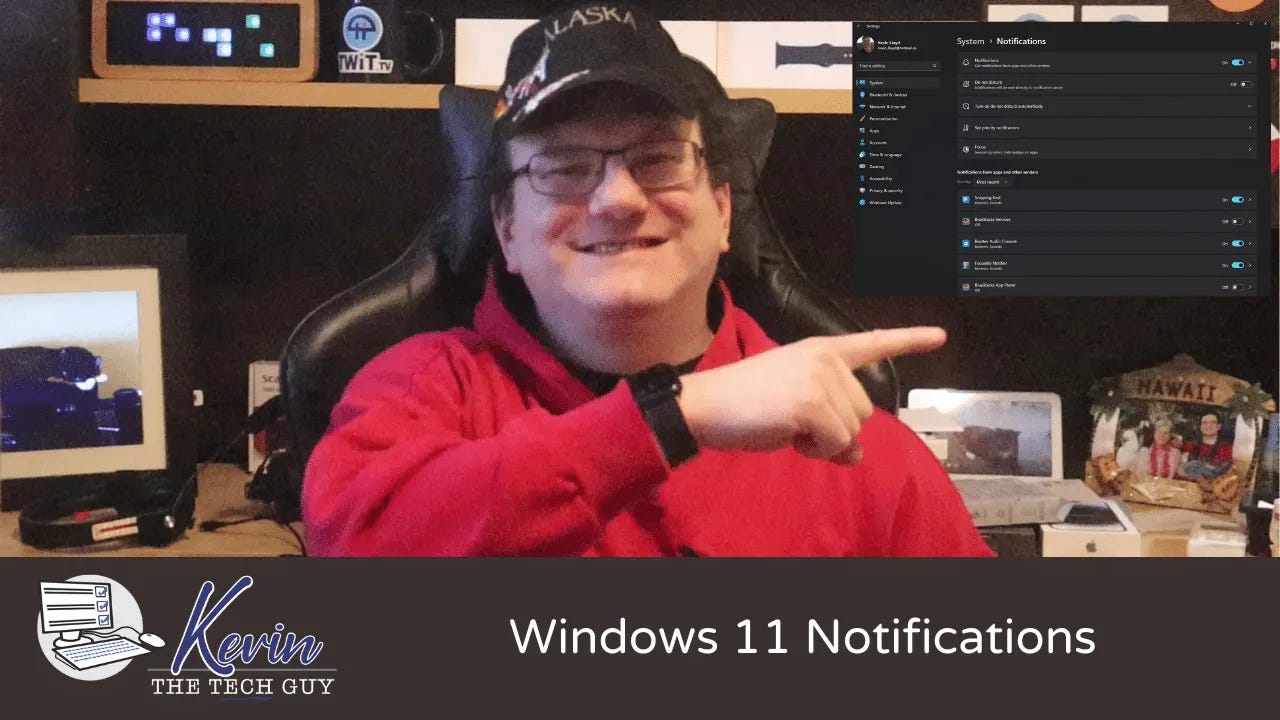
Quick Tip: How To Change Notifications Settings in Windows 11 [Paid Subs]
Getting too many pop-up alerts on your screen? Here’s how to manage your Windows 11 notification settings and shut off the ones you don’t need.
If you’ve used Windows 11 for any length of time, you’ve probably noticed that everything seems to want your attention.
Windows wants to remind you about updates. Apps want to tell you about new features. Programs want to advertise themselves. Before long, your screen is constantly lighting up with pop-ups in the corner, and it becomes difficult to tell …
Keep reading with a 7-day free trial
Subscribe to Kevin The Tech Guy to keep reading this post and get 7 days of free access to the full post archives.


