

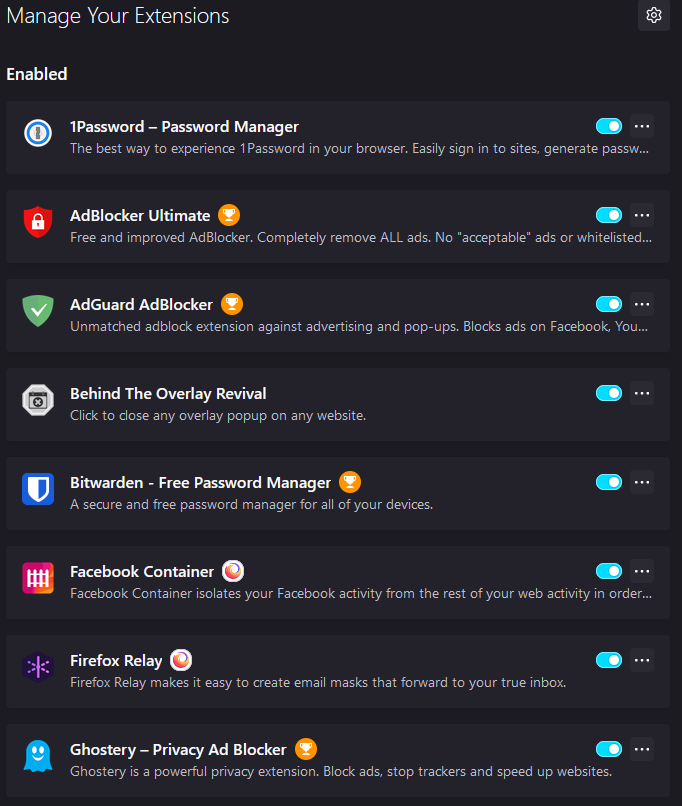
These are the Firefox browser plugins I use daily make browsing the internet a much more pleasant experience, so I wanted to share these with you. Each has its utility that you might appreciate. They are all FREE, with 1Password being the exception, though some ask for donations to support the projects and developers.
As you can see above, I currently use FREE 16 plugins (including two password managers, which I don't recommend and will address below). I suspect using this many plugins might slow down Firefox’s performance slightly, but I consider that acceptable, given the benefits.
To access your Firefox Extensions, go to Tools > Add Ons and Themes, or hit the three stacked horizontal lines in the top right hand corner of Firefox, and go to Add Ons and Themes from there.
Then, go to the “Extensions” tab.
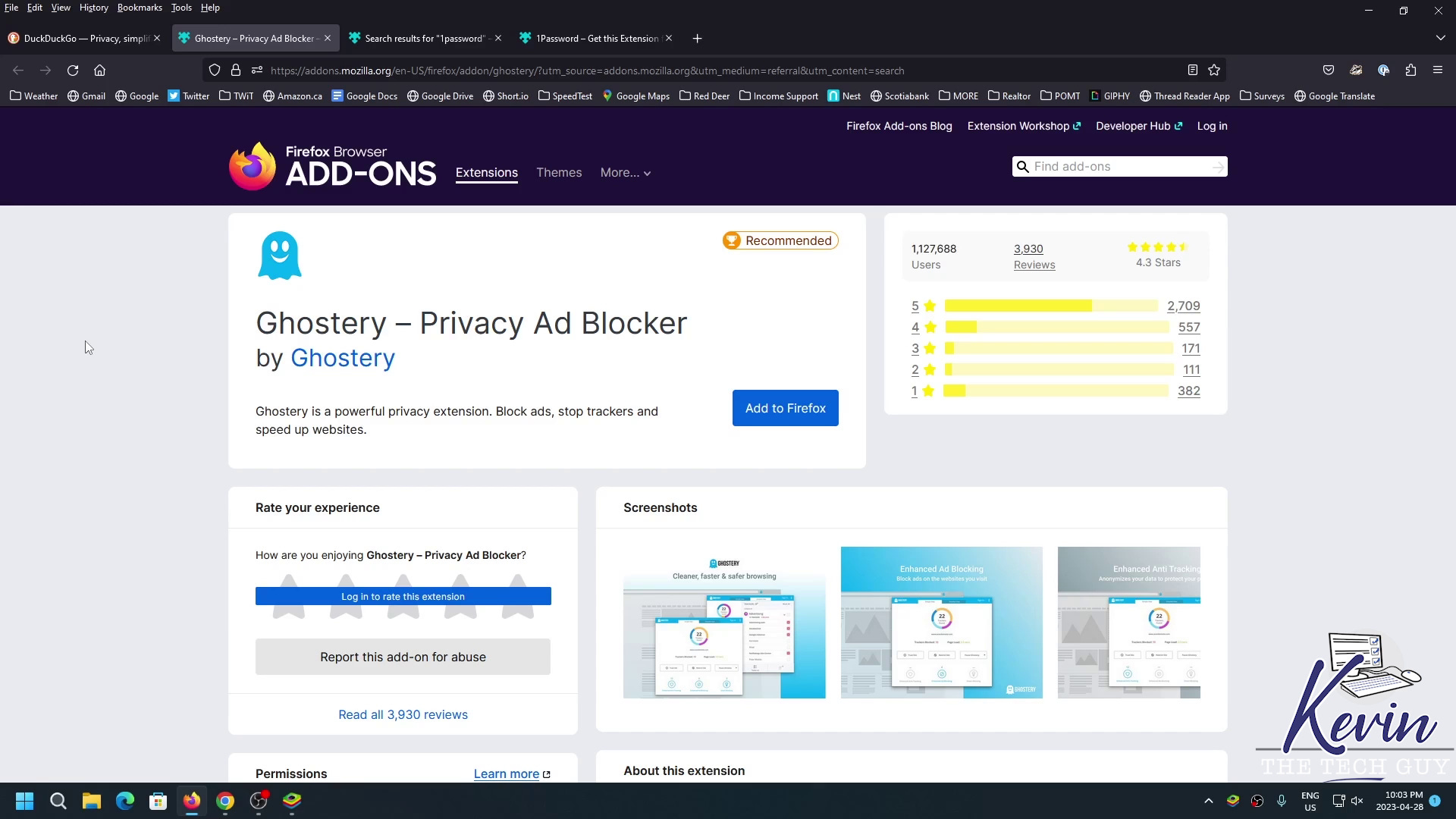
Ghostery
Ghostery provides adblocking, and stops trackers from accessing your personal data, in addition to Cookie pop-ups.
As they state:
Ghostery has three main components:
* Ad-Blocking – blocks all ads on websites you visit with your Firefox browser, including Youtube and Facebook, helping you to focus only on the information important to you.
* Anti-Tracking – stops trackers’ ability to collect your personal data, replacing it with random values and anonymizing your identity for data brokers. If you see a need to unblock individual trackers, we developed this option. The reasons are up to you!
* Never-Consent – automatically removes intrusive cookie popups and expresses dissent to online tracking. This unequaled feature adds convenience to each website visit and acts like your privacy advocate towards content providers while using Firefox.
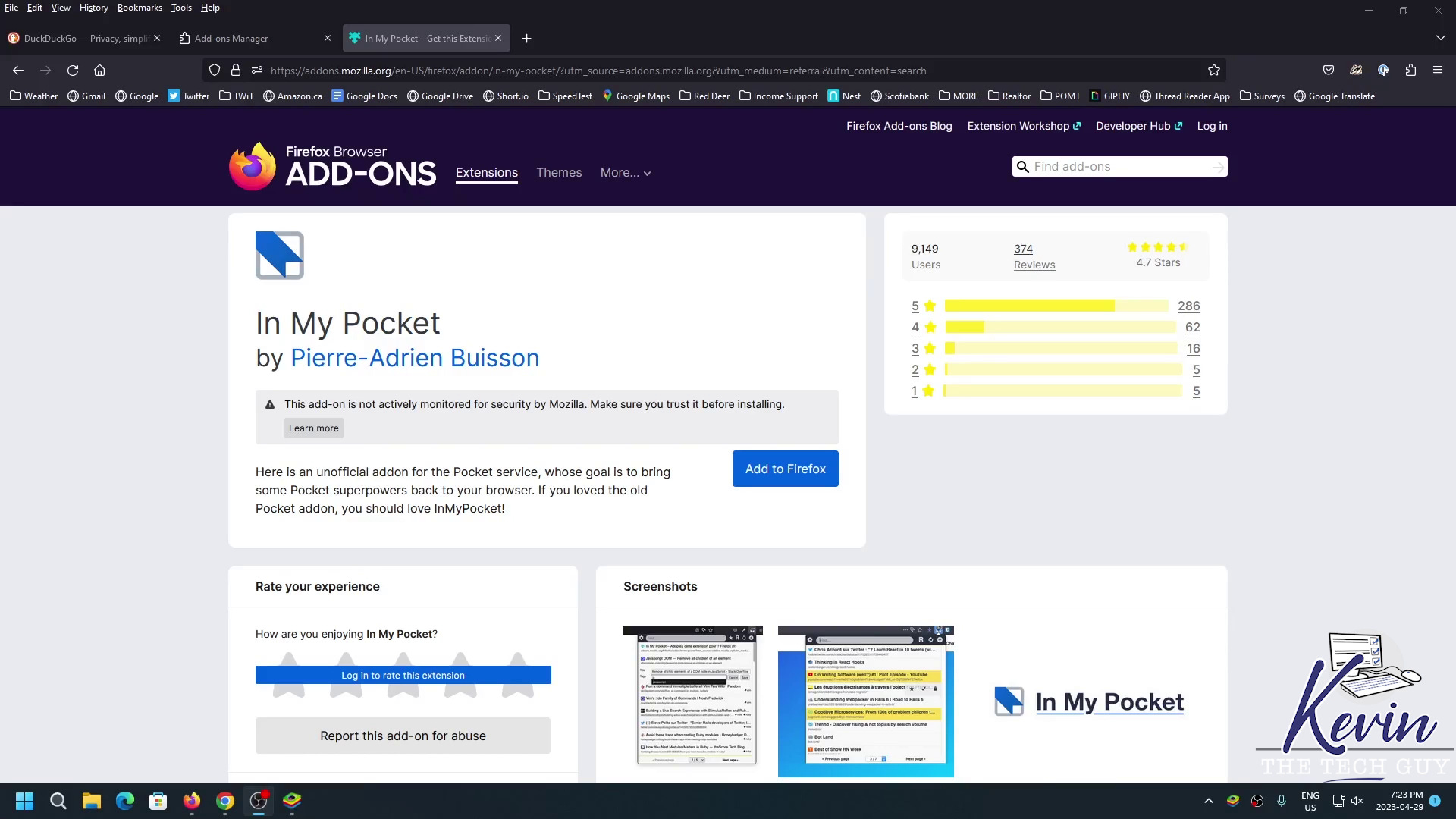
In My Pocket
In My Pocket gives you a very convenient way to quickly access the items you’ve saved to your Pocket account, which I basically use as recent bookmarks across my devices. You’ll need to login, but beyond that it’s super easy.
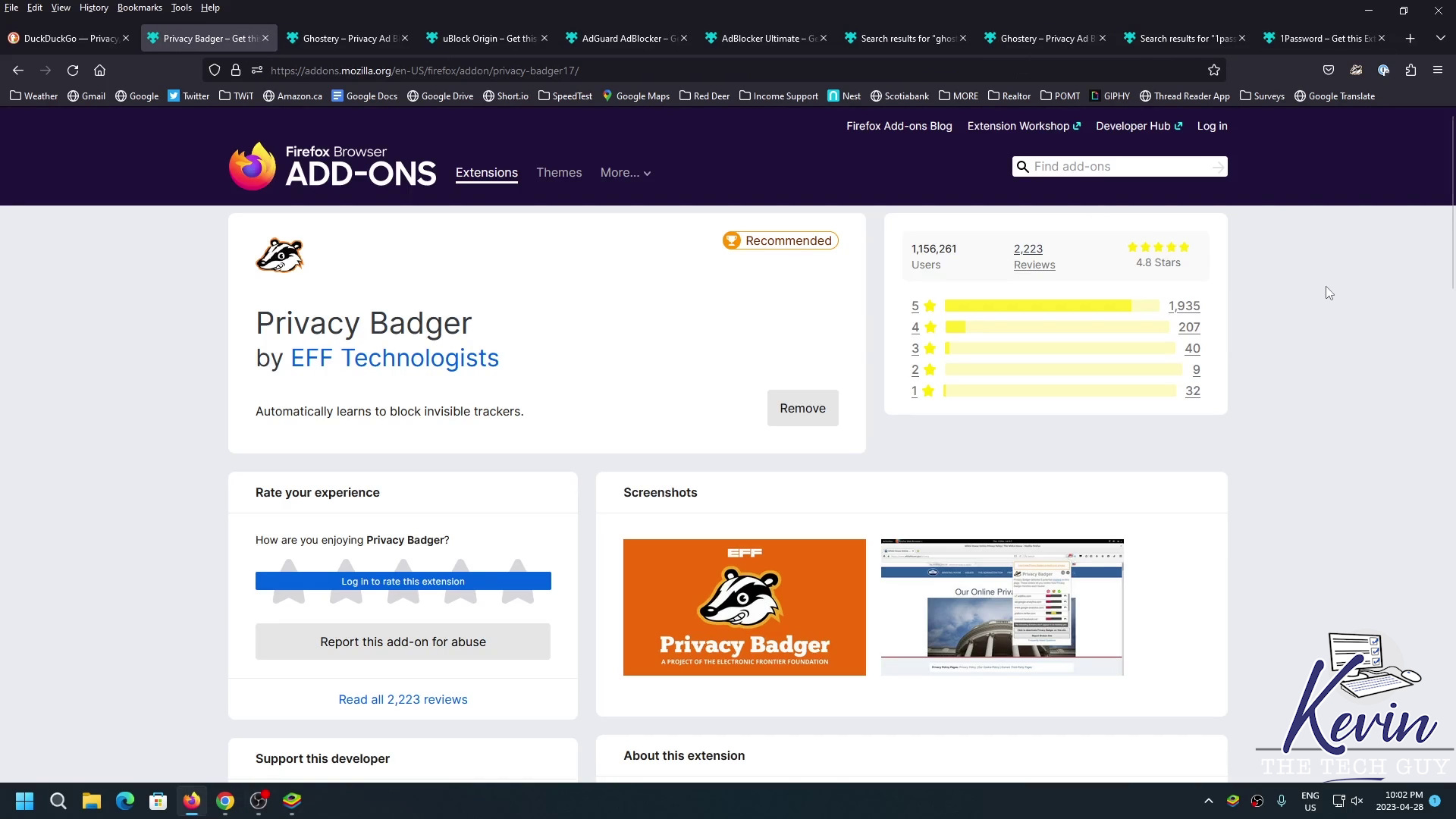
Privacy Badger
As they state:
Privacy Badger automatically learns to block invisible trackers. Instead of keeping lists of what to block, Privacy Badger automatically discovers trackers based on their behavior.
Privacy Badger sends the Global Privacy Control signal to opt you out of data sharing and selling, and the Do Not Track signal to tell companies not to track you. If trackers ignore your wishes, Privacy Badger will learn to block them.
If you appreciate my content, please consider subscribing. Support my work for only $5/mo! Thank you!
UBlock Origin
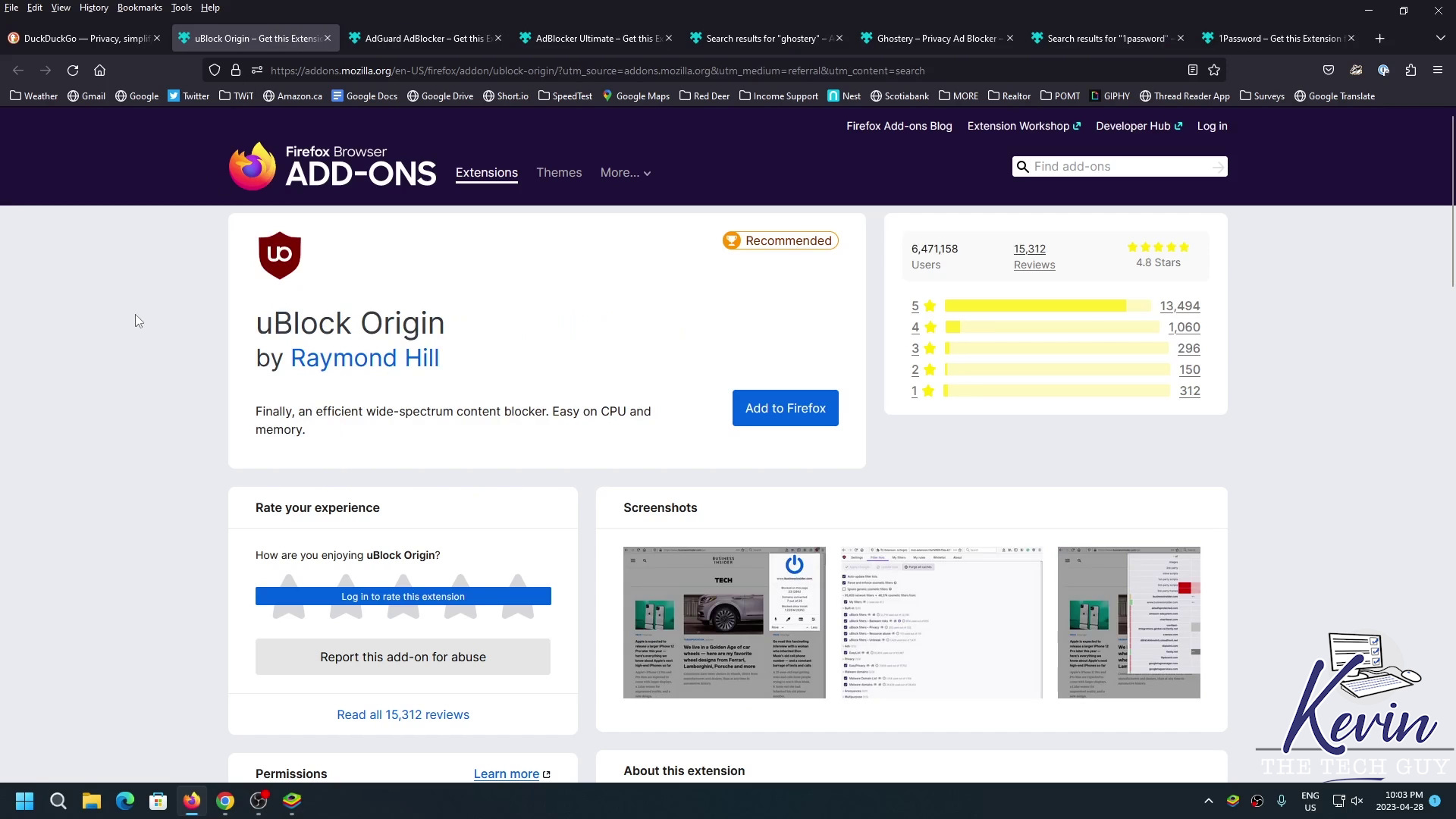
UBlock Origin is easily one of the most popular extensions across browsers, and does more than just ad blocking.
As they state:
uBlock Origin is not an “ad blocker”, it’s a wide-spectrum content blocker with CPU and memory efficiency as a primary feature.
Out of the box, UBlock Origin blocks ads, trackers, coin miners, popups, etc. through the following lists of filters, enabled by default.
AdBlock Ultimate
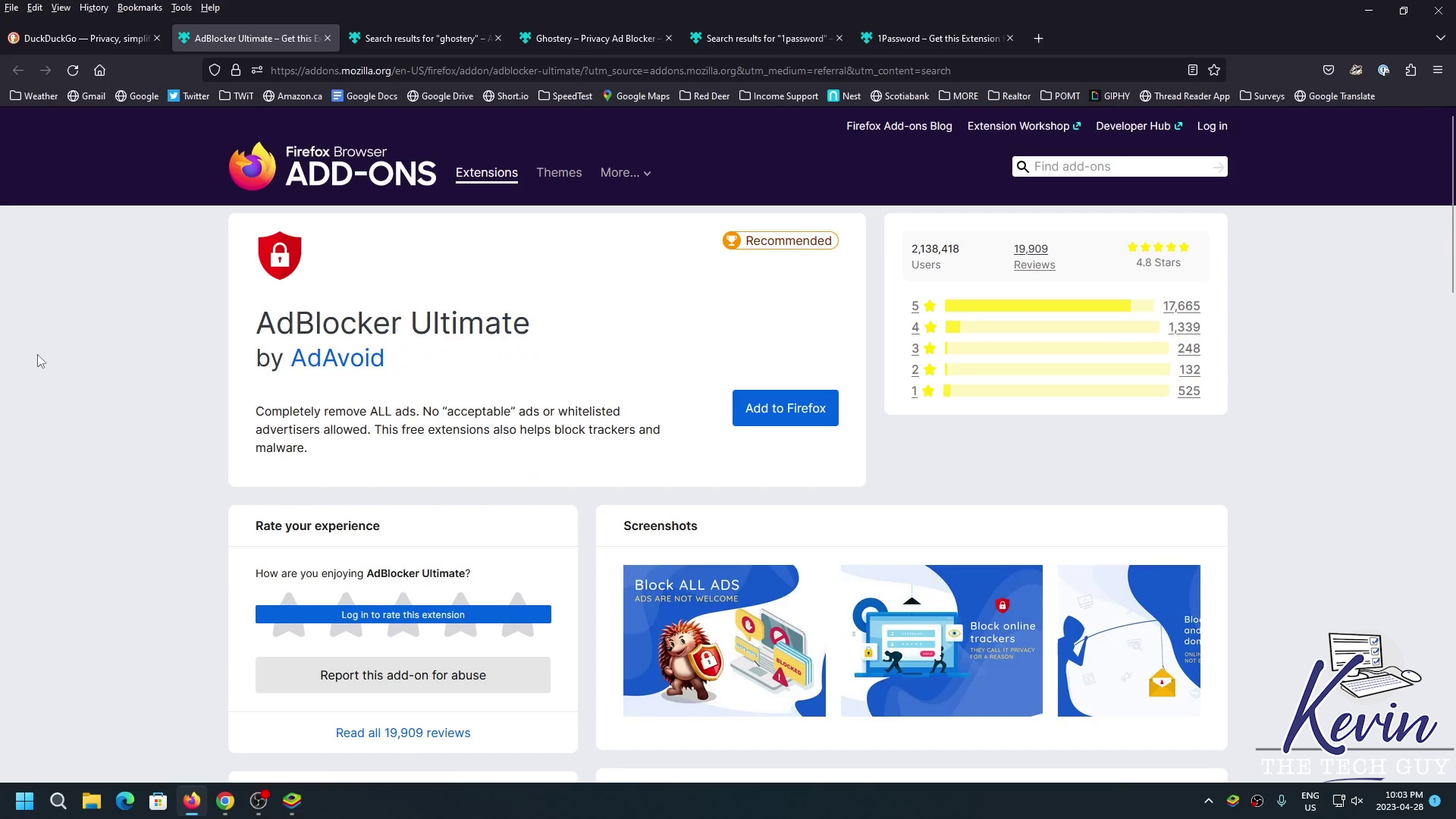
AdBlocker Ultimate is designed with a singular purpose: remove all ads so you can focus your attention on the content you want.
As they state:
"Features
– Remove all ads
– Helps block malware and tracking
– Improves browser performance by removing unwanted content
– No “acceptable” ads or whitelisted websites/ad networks"Features
– Remove all ads
– Helps block malware and tracking
– Improves browser performance by removing unwanted content
– No “acceptable” ads or whitelisted websites/ad networks
AdBlocker Ultimate is a free extension that blocks ads and malicious domains known to spread malware and disables sneaky tracking. We have extensive filters that filter against annoying display and video ads (including YouTube).
Unlike other ad blockers, we do not have “acceptable ads” or an advertiser whitelist (i.e. certain advertisers pay to bypass ad filters). Blocking ads has the added benefit of speeding up browsing because filtering out ads reduces CPU and memory usage.
AdBlocker Ultimate allows you to easily accept ads from websites you choose, in cases where you want to give advertising credit to certain trusted websites."
Facebook Container
This plugin isolates your Facebook activity from the rest of your web activity and prevents them from tracking what you do online.
Startpage
This plugin makes Startpage.com your default search engine from the address bar or their website. Startpage uses Google and pays them to re-move their ads and another track. Alternatively, I recommend DuckDuckGo.
So, although some of these browser plugins risk slowing down Firefox’s performance slightly, others improve it, so it's barely noticeable.
These plugins are also available for Google Chrome and Microsoft Edge users.
I hope you find this list helpful and that these plugins improve your internet browsing experience.
Thank you so much for reading and for being a subscriber! Please get in touch with me if you have any questions or would like me to add to or change this list. Check out KevinTheTechGuy.ca for more!