

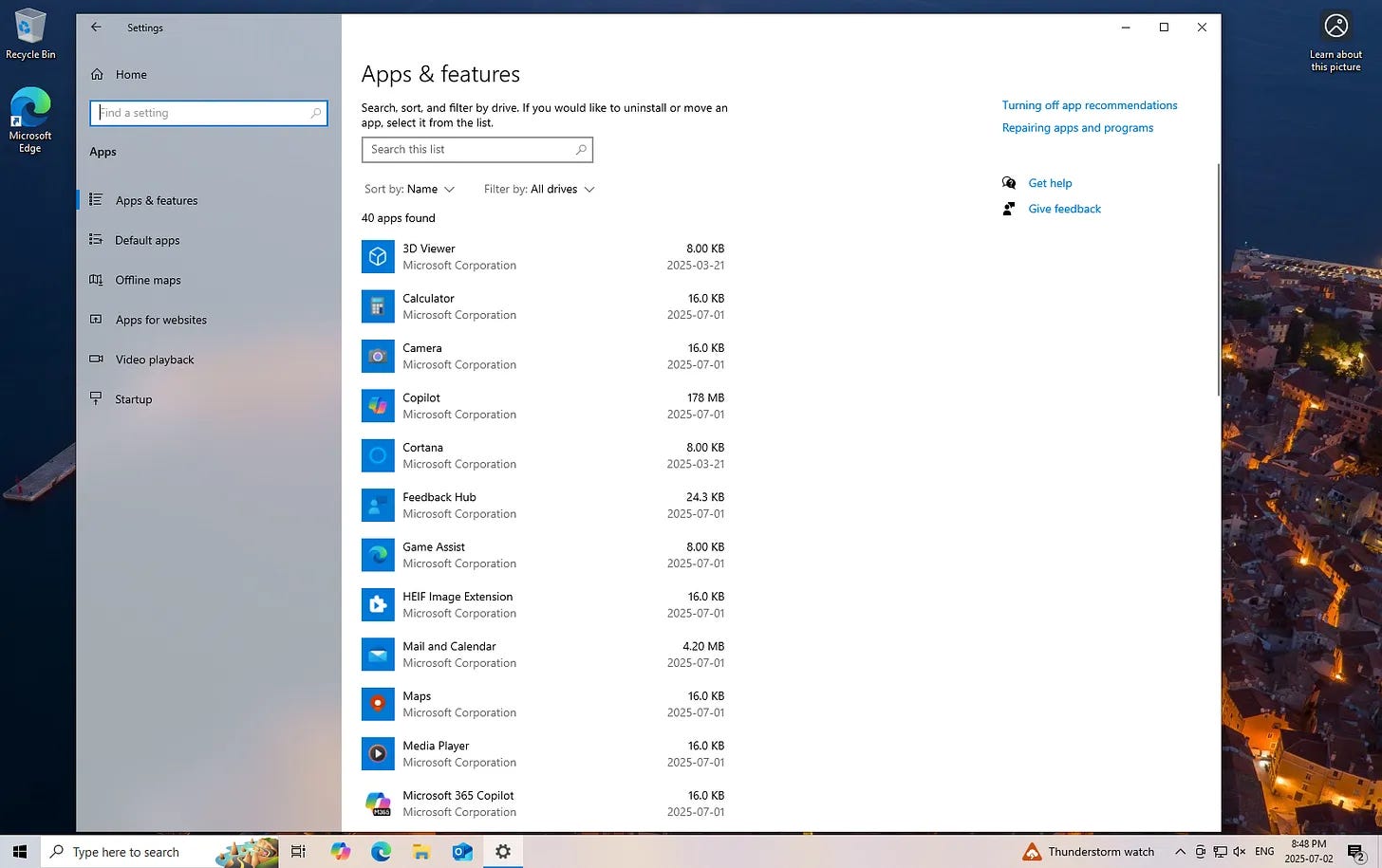
This post breaks down which apps you can safely remove from your Windows PC, which ones to leave alone, and which ones need a second look before deciding. It’s organized into clear sections with brief, plain-language notes on what each app does and why you might keep or remove it.
It’s based on what I actually remove when helping people clean up their systems. No deep technical knowledge needed. The post also includes a printable checklist version so you can go through your own PC step by step without second-guessing every choice.