

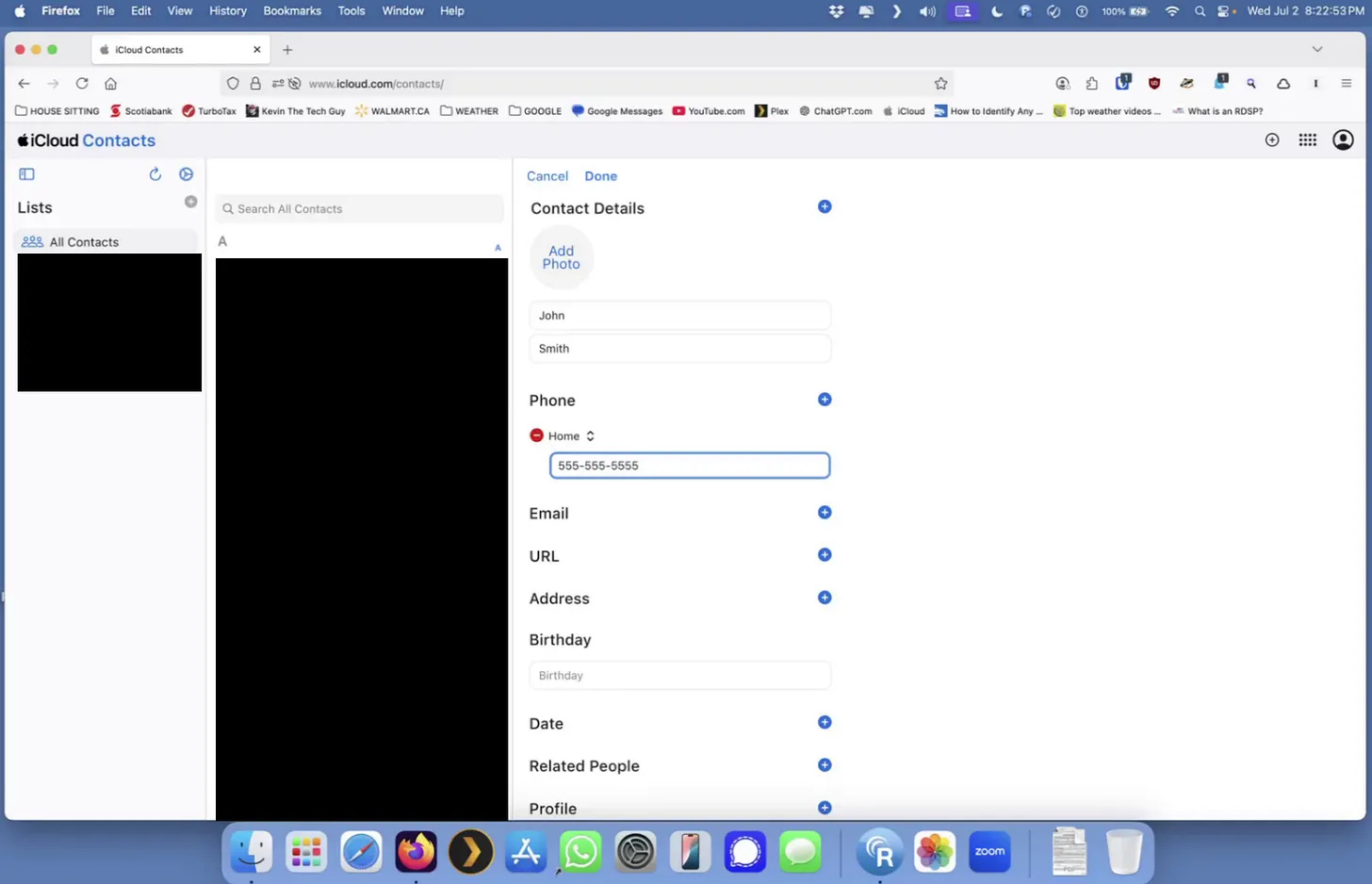
If you’ve ever found it frustrating to add a new contact on your iPhone, this guide is for you. Instead of squinting at your screen or struggling with the on-screen keyboard, you can use your computer and iCloud.com to create a new contact in just a few clicks. This method works on both Mac and Windows, and once you're signed in, any contact you add will sync automatically to your iPhone within minutes.
This paid post includes a clear, step-by-step walkthrough using Firefox, but it works in any browser. You'll also get detailed instructions for signing in with Apple’s two-factor authentication, navigating the iCloud dashboard, opening the Contacts app, and safely signing out when you're done. A downloadable, printable checklist is included, so you can follow along or keep it nearby for next time.